

Certificate, formal
Scholarship certificates that open doors
A scholarship is a proud moment for a student and their family. Give it a certificate that names the scholarship and the year. Each student gets it by email, with a page to download, share and add to LinkedIn.
- Your logo, colours and paper size
- Names filled from your list
- QR code and verify link on each
- Wording you can use as it is
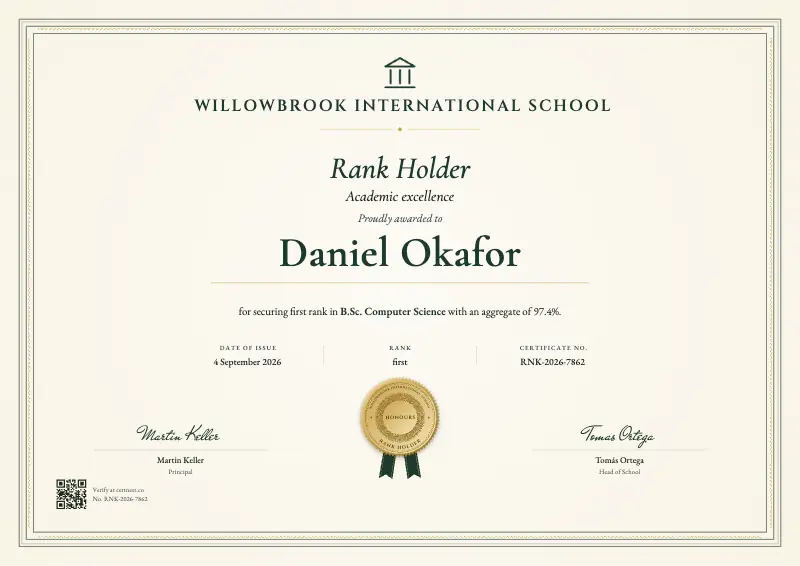
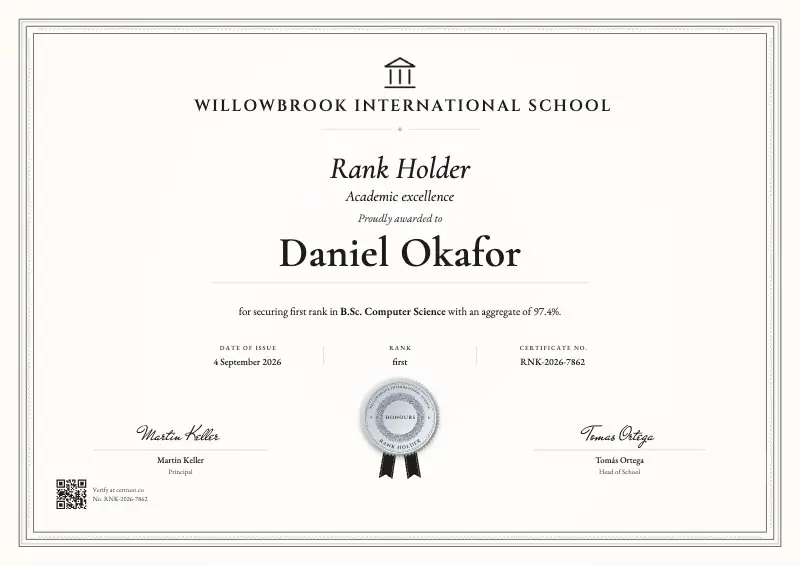
Rank holder: Graduation, Oxford green and gold
Certificate
Designs made for this
Open a design for a closer look, or pick a colour above to see them in your brand.
- Use this template: Rank holder: Graduation
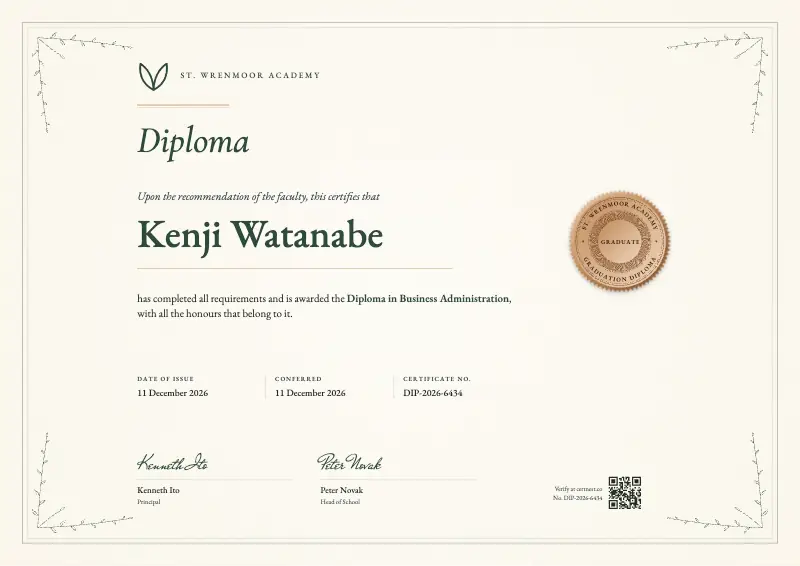
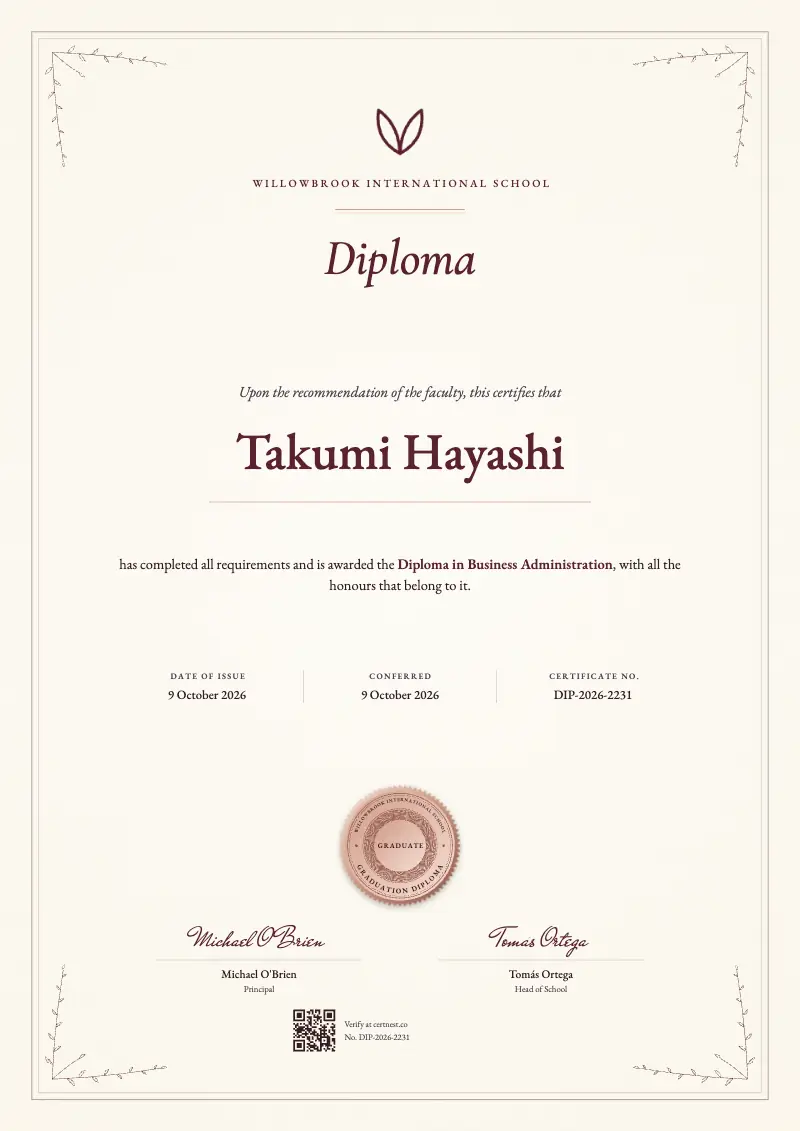
- Use this template: Graduation diploma: Heritage
Certificate, formal
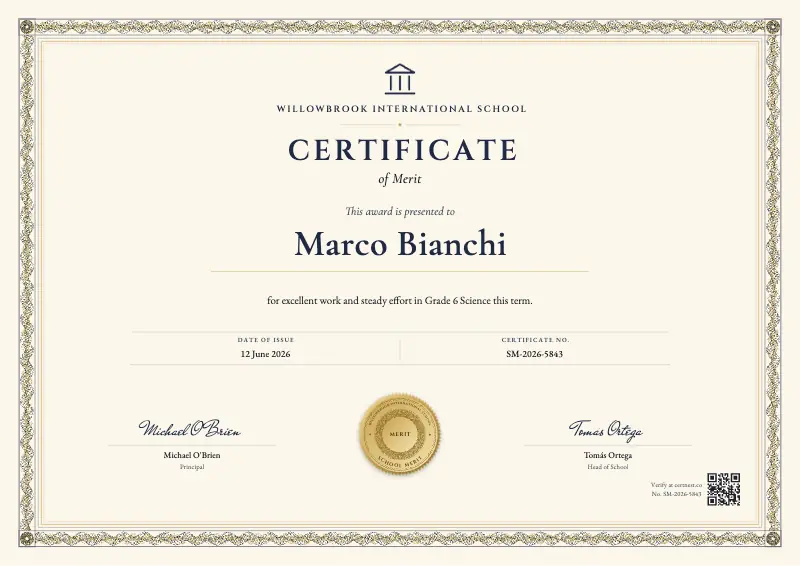
- Use this template: School merit: Classic Diploma
Certificate, formal
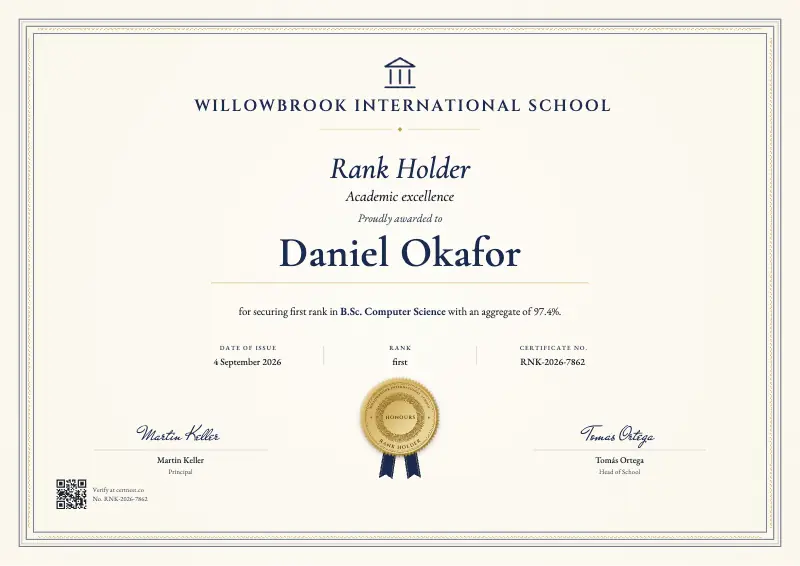
- Use this template: Rank holder: Graduation
Certificate, formal
More certificates for this
Every design here is in the catalog. Tap a colour dot to try another colour, or open one to look closer.
- Use this template: Honour roll: Graduation
5 colours, formal
- Use this template: Honour roll: Achievement
5 colours, formal
- Use this template: Subject excellence: Achievement
5 colours, formal
- Use this template: Subject excellence: Heritage
5 colours, formal
- Use this template: Rank holder: Achievement
5 colours, formal
- Use this template: Rank holder: Graduation, portrait
5 colours, formal
Checklist
What to put on it
In order of importance. Every template has a place for each.
- 1The student's full name
- 2The scholarship's name
- 3The amount or benefit, if you choose to show it
- 4The academic year it covers
- 5The awarding school, college or foundation
- 6Signatures of the trustee or head of the committee
- 7A credential ID and QR code
Copy and use
Wording ideas
Highlighted words are smart fields: each person's own details fill in by themselves when you send.
Formal
foundation is pleased to award the Merit Scholarship to Daniel Okafor for the academic year 2026, in recognition of academic merit.
Warm
Congratulations, Daniel Okafor! You have been chosen for the Merit Scholarship. We believe in your future.
With amount
This certifies that Daniel Okafor has been awarded the Merit Scholarship of amount for the year 2026.
Need and merit
Awarded to Daniel Okafor in recognition of determination, achievement and promise, Merit Scholarship, 25 November 2026.
Short
Merit Scholarship Scholar, 2026. Daniel Okafor.
Do and avoid
Do
- Name the scholarship clearly
- State the year or term it covers
- Add a QR code so colleges and sponsors can check it
- Send a copy to the sponsor or donor too
Avoid
- Do not show the amount if the student prefers privacy
- Do not imitate a government scholarship scheme or its seal
- Do not use another institution's name or logo
- Do not share pages of under-18 students publicly
Questions and answers
What do you write on a scholarship certificate?
The student's name, the scholarship name, the year, the awarding body and a signature. You may add the amount if the student agrees.
Can students show the scholarship on LinkedIn?
Yes. Their personal page has a button that adds the award to their LinkedIn profile.
Can colleges check that the scholarship is real?
Yes. The QR code opens a page that shows who issued it and whether it is valid.
Can foundations use this template?
Yes. Schools, colleges, trusts and foundations can all use it with their own logo.
Can I send scholarship certificates to many students at once?
Yes. Upload a list from Excel or Google Sheets and each student gets their own.
Send it today
Open this template in your colours, add your people and send. Free to start.