

Digital badge, standard
A completion badge for every student who finishes
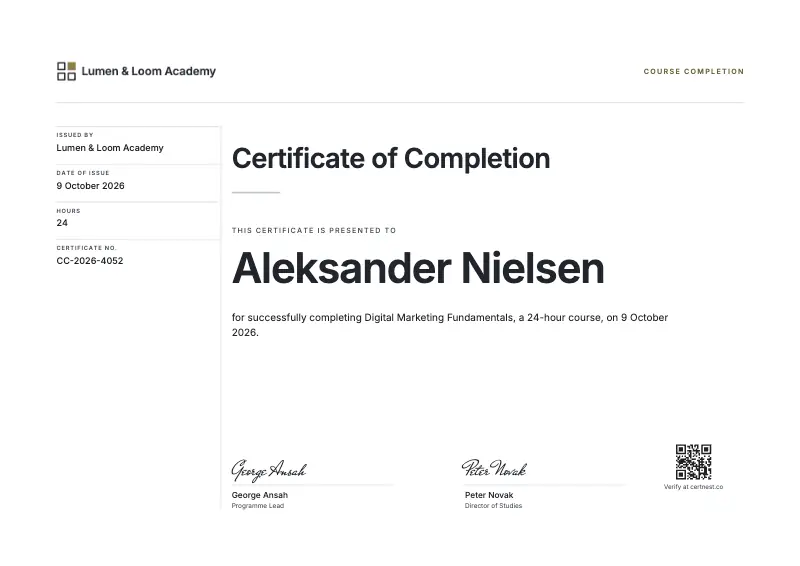
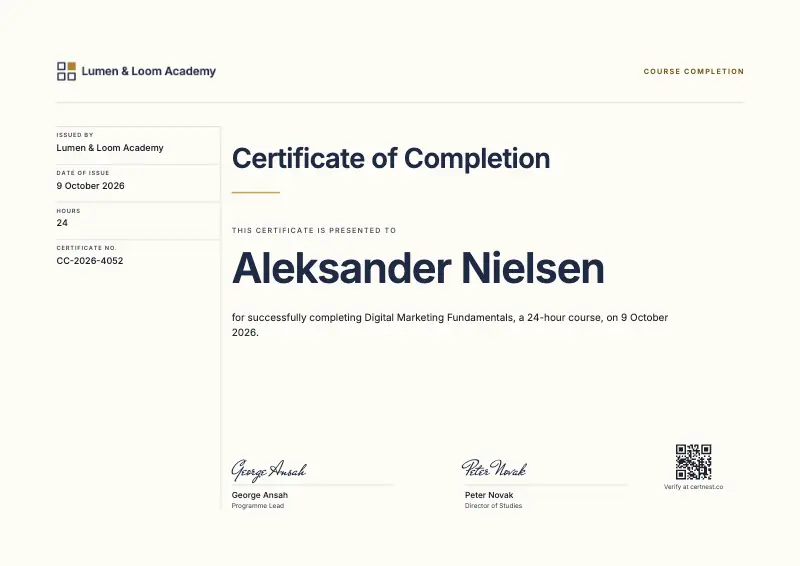
Students finish your course and want to show it. A course completion badge sits on their profile and links back to you. We email it with the certificate, give each student a page to share and add it to LinkedIn, and anyone can verify it in one click.
- Your logo, colours and paper size
- Names filled from your list
- QR code and verify link on each
- Wording you can use as it is

Python Programming badge: Flat hexagon, Oxblood and gold
Digital badge
Designs made for this
Open a design for a closer look, or pick a colour above to see them in your brand.
- Use this template: Python Programming badge: Flat hexagon
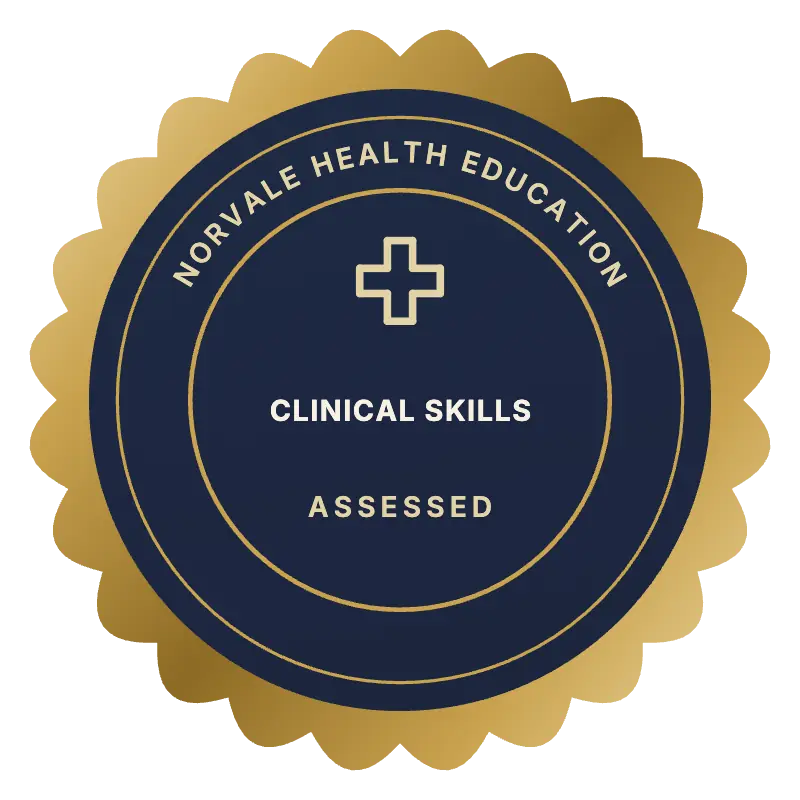
- Use this template: Clinical Skills badge: Fine rosette
Digital badge, standard
- Use this template: Information Security badge: Heraldic shield
Digital badge, formal
- Use this template: Financial Reporting badge: Engraved plate
Digital badge, formal

More digital badges for this
Every design here is in the catalog. Tap a colour dot to try another colour, or open one to look closer.
- Use this template: Project Management badge: Banner roundel
6 colours, standard
- Use this template: Machine Learning badge: Pointed hexagon
6 colours, standard
- Use this template: Teaching Excellence badge: Laurel ring
6 colours, formal
- Use this template: Strategic Leadership badge: Ribbon medal
6 colours, formal
- Use this template: Sustainability Practice badge: Hanging pennant
6 colours, standard
- Use this template: Data Analysis badge: Roundel
6 colours, standard
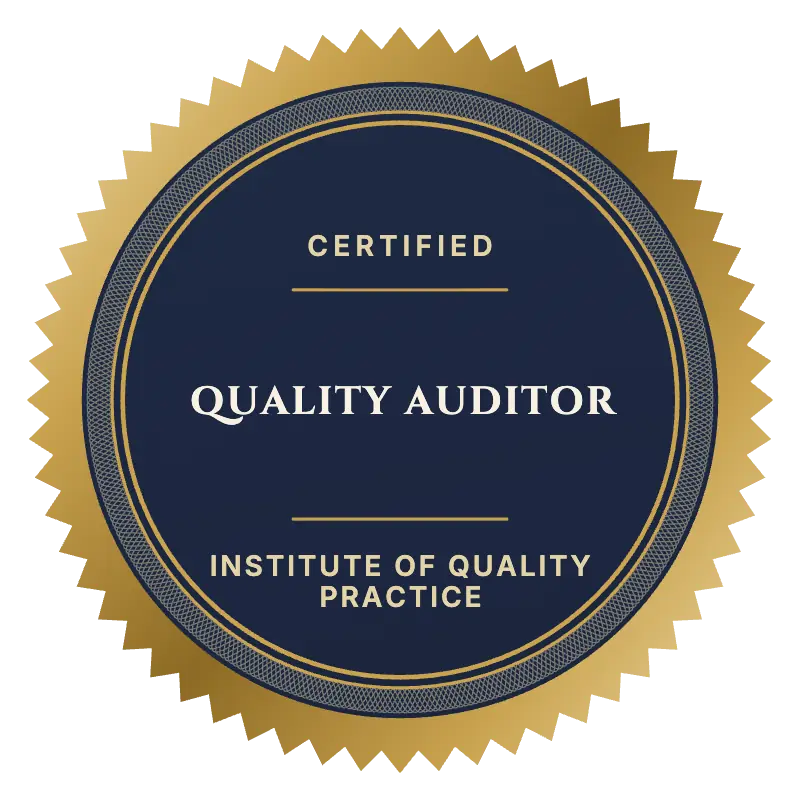
- Use this template: Quality Auditor badge: Serrated seal
6 colours, formal
- Use this template: Access Management badge: Modern shield
6 colours, standard





Checklist
What to put on it
In order of importance. Every template has a place for each.
- 1The course name, short enough for a badge
- 2Your school or brand name and logo
- 3What the student did: modules, project or final quiz
- 4The skills taught
- 5The hours or credits, if you track them
- 6The completion date
- 7A link back to the course page
Copy and use
Wording ideas
Highlighted words are smart fields: each person's own details fill in by themselves when you send.
Badge name
Data Analysis Basics Graduate
Description
The holder completed Data Analysis Basics, a 12-hour course by Brightpath Academy, including all lessons and the final project.
Criteria
Finished all modules modules, submitted the final project and scored at least 92% percent on the final quiz.
Skills line
Skills: {skill_1}, {skill_2}, {skill_3}, {skill_4}.
Email line
Congratulations, Daniel Okafor. You finished Data Analysis Basics. Your badge is ready to share.
Do and avoid
Do
- Send the badge the moment a student finishes, using the API or a webhook
- Pair it with a printable certificate
- Link the badge to the course page; it brings new students
- Use the same badge style across all your courses
Avoid
- Do not use the full long course title in the badge image
- Do not issue badges for just signing up
- Do not hide the criteria
- Do not change what a badge means after people have earned it
Questions and answers
How do I give students a badge when they finish my course?
Connect your course platform through a webhook, Google Sheets or the API, or upload a list of finishers. The badge goes out by email.
Can the badge link back to my course?
Yes. Add your course link and it shows on the badge page, so every share can bring a new student.
Do students need an account to get the badge?
No. They get an email with a link to their page, where they can download, share and add it to LinkedIn.
Can I send a certificate and a badge together?
Yes. Choose certificate plus badge and each student gets both on one page.
Is the course completion badge built on a standard?
Yes. It is built on Open Badges 3.0, so the course, criteria and issuer travel with the badge.

Send it today
Open this template in your colours, add your people and send. Free to start.