How to move your certificates from another platform
The short answer
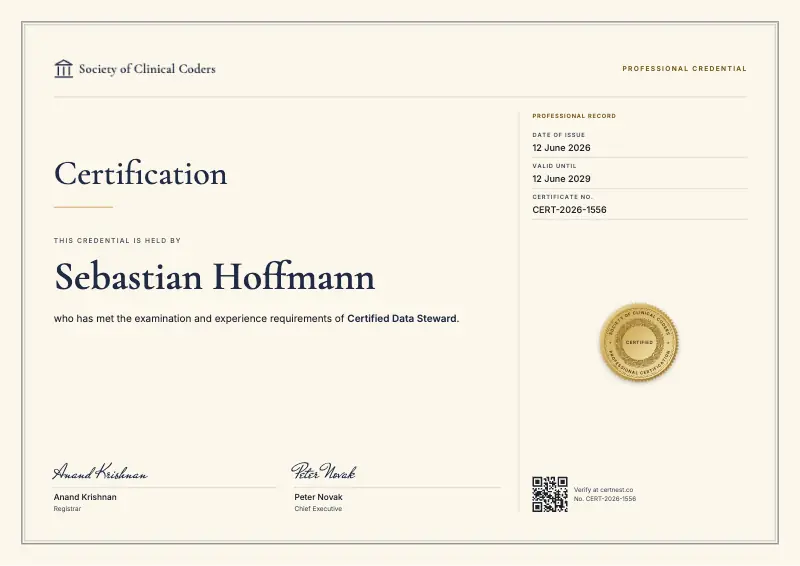
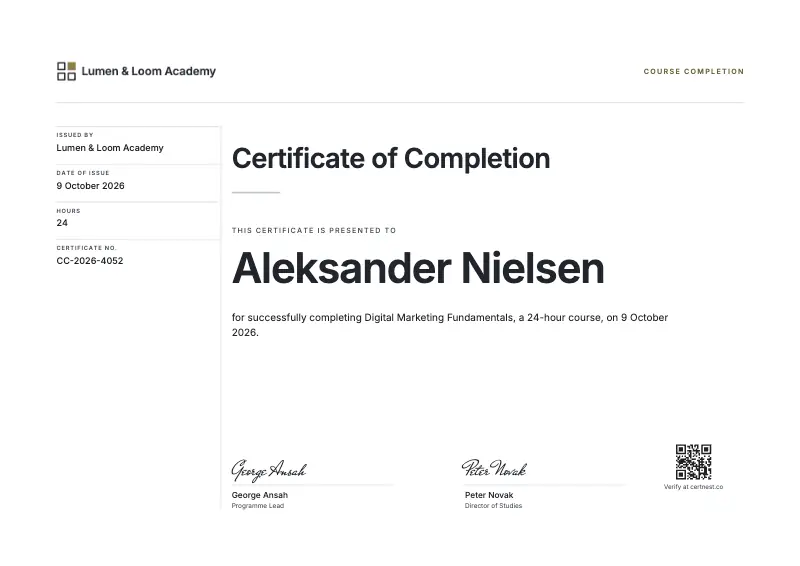
Export your issued credentials and recipient list from the old platform, then import them so each person gets a new verified page under your brand with the same credential ID. We help for free and keep your old IDs checkable on our verify pages.
- 1 hour
- 6 steps
- For issuers changing platforms
Step by step
- 1
Export everything
Download your recipients, credential titles, issue dates, IDs and designs or PDFs from the old platform.
- 2
Send it to us
Share the export with our team. Migration help is free on every plan.
- 3
Rebuild the designs
We recreate your designs from a template in your brand, or you do it in the designer.
- 4
Import and match
Records are imported with their original IDs and dates.
- 5
Choose to notify or not
Send people a note with their new page, or import quietly.
- 6
Point old links
Where you control the old address, redirect it. Old IDs can be checked on our verify page.
What this guide covers
- Before you cancel the old plan
- What to export
- Keeping IDs and dates
- Recreating designs
- Telling recipients
- Keeping old links working