

Certificate, formal
Honor roll certificates for every grading period
Honor roll is a big moment for students and families. Upload your list each term and print or email every certificate in minutes. Each one has a page families can open, download and verify.
- Your logo, colours and paper size
- Names filled from your list
- QR code and verify link on each
- Wording you can use as it is
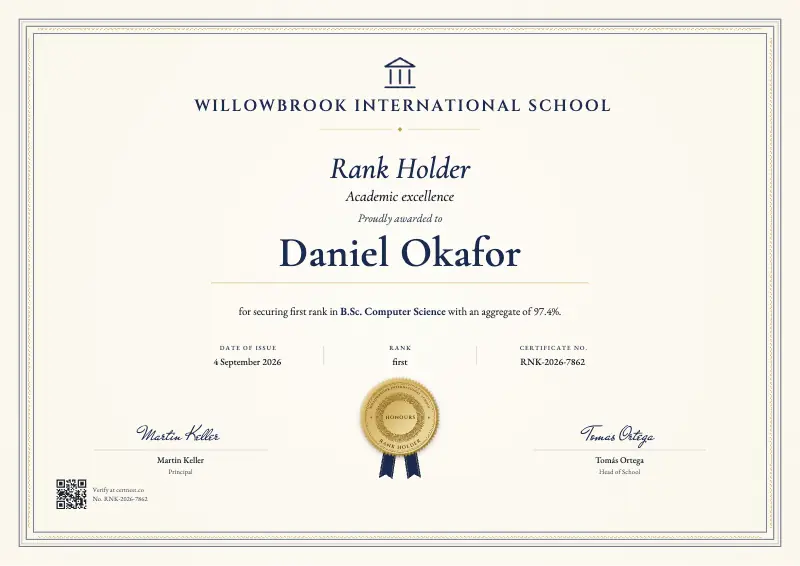
Rank holder: Graduation, Navy and gold
Certificate
Designs made for this
Open a design for a closer look, or pick a colour above to see them in your brand.
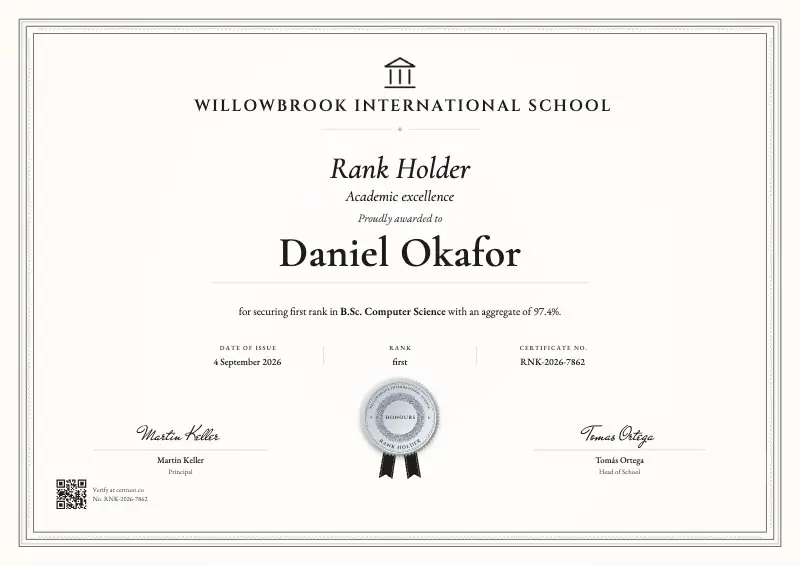
- Use this template: Rank holder: Graduation
- Use this template: Rank holder: Graduation
Certificate, formal
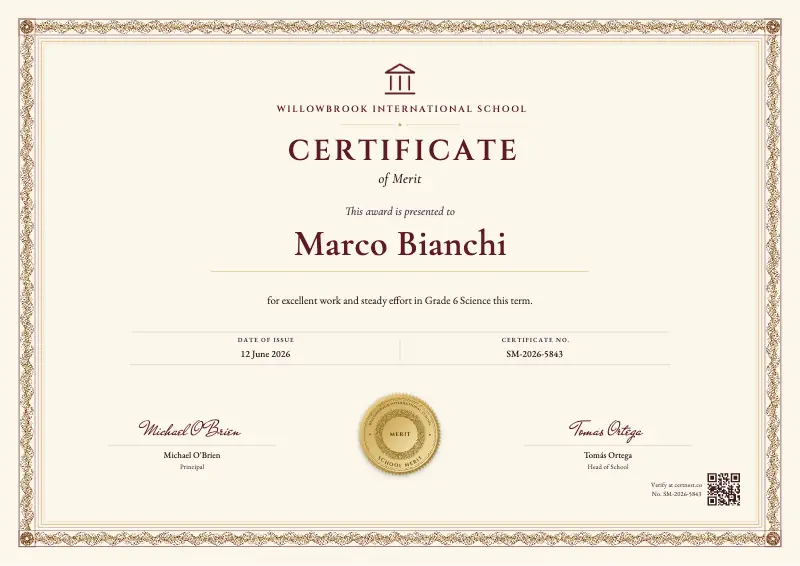
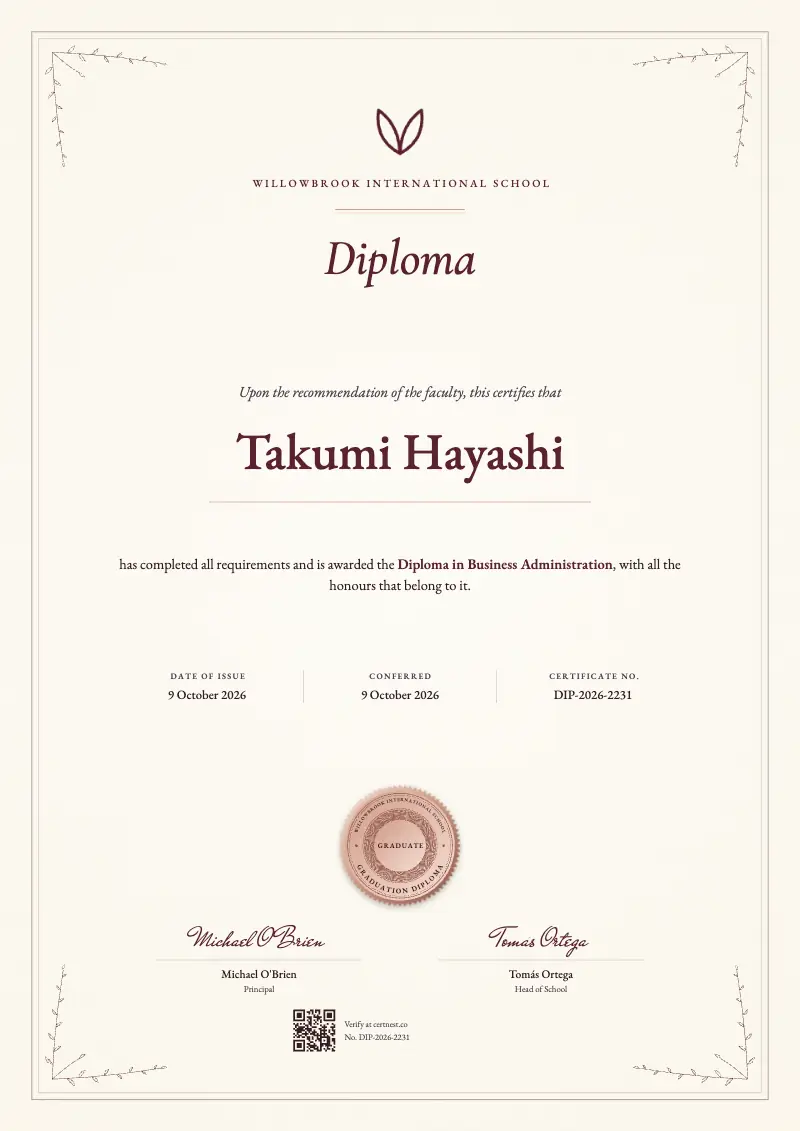
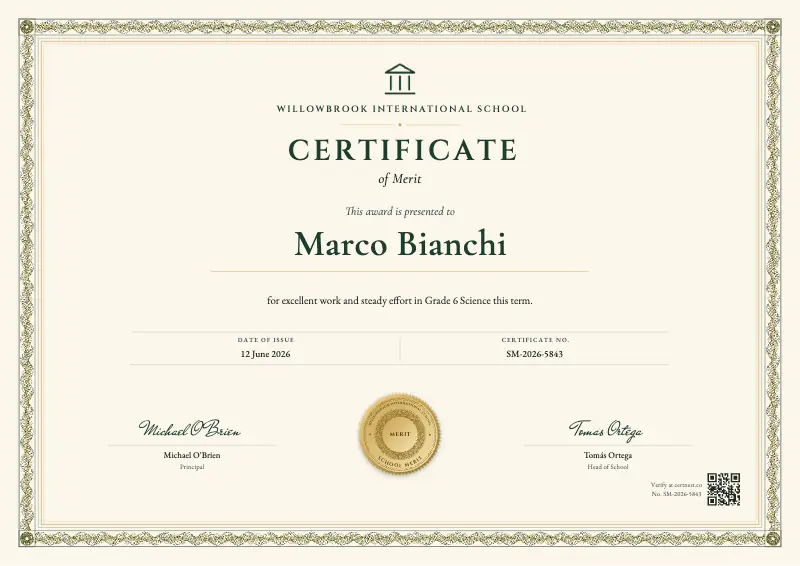
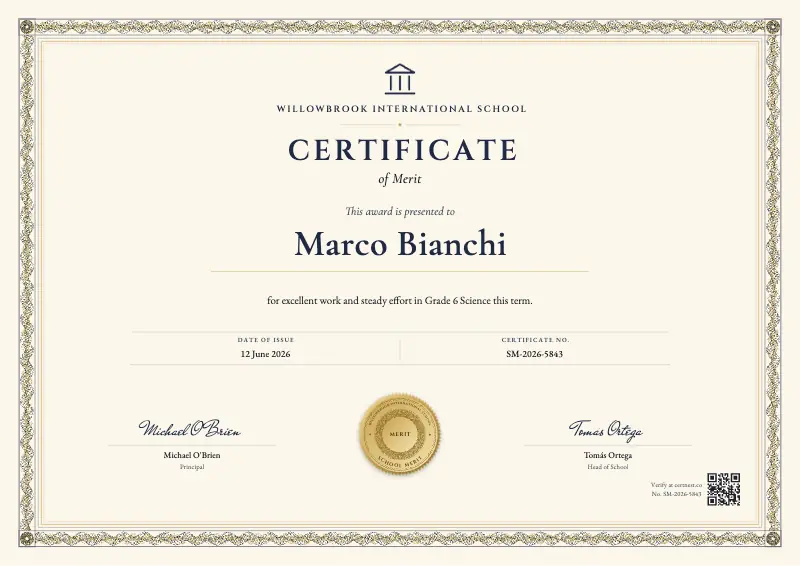
- Use this template: School merit: Classic Diploma
Certificate, formal
- Use this template: Rank holder: Graduation
Certificate, formal
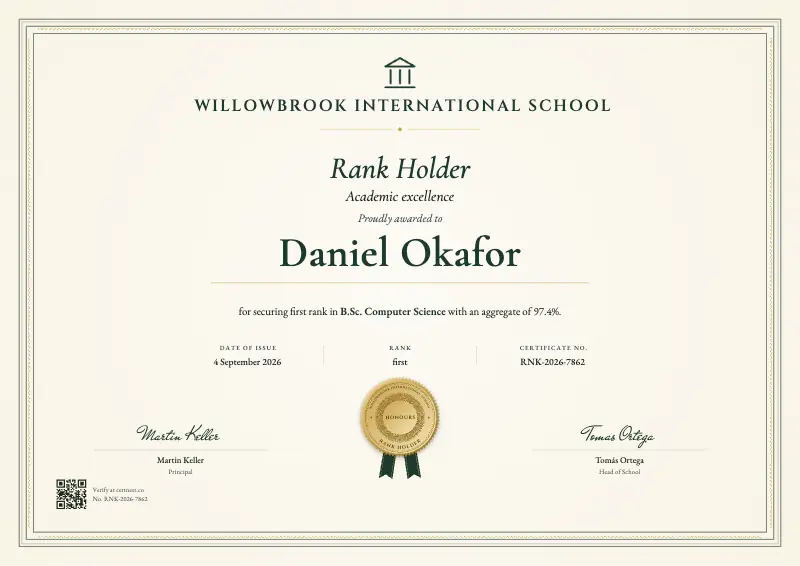
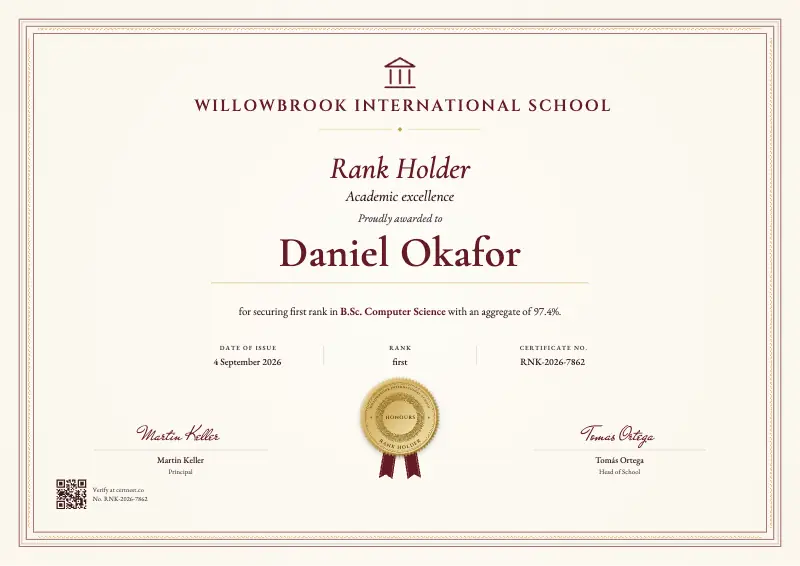
More certificates for this
Every design here is in the catalog. Tap a colour dot to try another colour, or open one to look closer.
- Use this template: Exam merit: Achievement
5 colours, formal
- Use this template: Honour roll: Graduation
5 colours, formal
- Quick viewUse this template: Exam merit: AcademyUse this template: Exam merit: Academy
5 colours, formal
- Use this template: Honour roll: Achievement
5 colours, formal
- Use this template: Subject excellence: Achievement
5 colours, formal
- Use this template: Subject excellence: Heritage
5 colours, formal
- Use this template: Rank holder: Achievement
5 colours, formal
- Use this template: Rank holder: Graduation, portrait
5 colours, formal
Checklist
What to put on it
In order of importance. Every template has a place for each.
- 1The words "Honor Roll" and the level, such as "High Honor Roll" or "A/B Honor Roll"
- 2The student's name
- 3The grade
- 4The grading period, such as quarter, semester or term
- 5The school year
- 6Your school name, logo and mascot if you have one
- 7Signature of the principal
Copy and use
Wording ideas
Highlighted words are smart fields: each person's own details fill in by themselves when you send.
Classic
This certifies that Daniel Okafor, Grade A, has earned a place on the Honor Roll for the spring term, 2026.
High honor roll
Daniel Okafor is recognized for outstanding academic achievement and named to the High Honor Roll for the spring term.
A/B honor roll
Congratulations, Daniel Okafor, on earning A/B Honor Roll for the spring term. Your hard work shows.
Principal's list
Brightpath Academy proudly places Daniel Okafor on the Principal's Honor Roll for the spring term 2026.
Warm, for families
Great job, Daniel Okafor. Your effort this the spring term earned you a place on the Honor Roll. We are proud of you.
Do and avoid
Do
- Name the honor roll level clearly
- Include the grading period and school year
- Use the same design each term so it feels like a tradition
- Email families a copy and print one for the student
- Check grade levels in your list before you send
Avoid
- Print grade point averages unless your school allows it
- Mix up levels such as High Honor Roll and Honor Roll
- Send to students under 13 without a guardian's email
- Use a design that is hard to read when printed
- Leave the principal's signature blank
Questions and answers
What goes on an honor roll certificate?
The student's name, grade, honor roll level, grading period, school year, school name and the principal's signature.
Can I make different certificates for each honor roll level?
Yes. Add a level column to your list, or create one credential per level with its own design.
Can I print honor roll certificates for the whole school?
Yes. Upload the list and download one PDF with every certificate, ready for the printer.
Can families verify an honor roll certificate later?
Yes. The QR code opens a page that confirms the certificate and the school that issued it.
How do schools handle student privacy?
Certificates go to a guardian email for young students, pages are hidden from search engines by default, and there is no tracking.
Send it today
Open this template in your colours, add your people and send. Free to start.